

MEGASync 6.7.0.3
MEGASync, a no-cost application for Windows, falls under the Backup-cloud-storage category and is crafted by the developers at MEGA. Users can access this software in multiple languages, including Russian, French, German, Italian, Spanish, Portuguese, and English.
- Free
- Windows
- macOS
- Linux
- Nov 3, 2026
00a187a43d11fc2e6bf9156e967af8913426b0b41d3f5fc972fc409b79ca4986VirusTotal report ↗959e0f126caa4b2ac3f0728fff99a7d8d5e72c3b79bd0ca07ac7babdf69f0bcaVirusTotal report ↗622e2136666956d617a25113a712cd251413aebb14e87b6b8a54bbc9b51bce73VirusTotal report ↗42749203de720884ba8389a2a1d29a4f6bd39337a5ee7c5e4b9b98c6f2b1e513VirusTotal report ↗c6e97ee45682a8282806440b5250c716de4f078c2efd579f65d6141a9a7fbebbScreenshots and videos
About MEGASync
MEGA Download | 20 GB Free Encrypted Cloud Storage
TL;DR Quick Take / Who is this for?
MEGA is a New Zealand–based cloud storage service that starts every new account with 20 GB of free, end-to-end encrypted space, four times what OneDrive gives away and ten times Dropbox’s free allowance. Encryption is zero-knowledge by default: files are locked on your device before upload, and MEGA does not hold the keys, so the company cannot read your content. That makes MEGA the strongest free option for privacy-conscious individuals, journalists, photographers, and anyone storing sensitive personal files on a tight budget. The trade-offs are real. Independent testing found MEGA’s desktop client uploaded a 2 GB file in 16 minutes 1 second versus pCloud’s 15 minutes 14 seconds, and synced folders keep a full local copy because there is no virtual drive mode. Free accounts also impose transfer quotas and reserve password-protected links for paying users. MEGA is the right pick when privacy and free capacity matter more than block-level sync or lifetime licensing. It is not the best choice for teams that need fast collaborative editing or users who want a one-time payment instead of a subscription.
Quick Info Box
| License Type | Freemium (20 GB free; Pro plans from about $45/year) |
|---|---|
| File Size | About 65–70 MB (Windows desktop installer) |
| OS Compatibility | Windows 7/8/10/11, macOS, Linux, Android, iOS, web |
| Latest Version | MEGAsync 6.7.0.3 (October 2026) |
| Developer | Mega Limited (New Zealand) |
Key Features & Real-World Usability
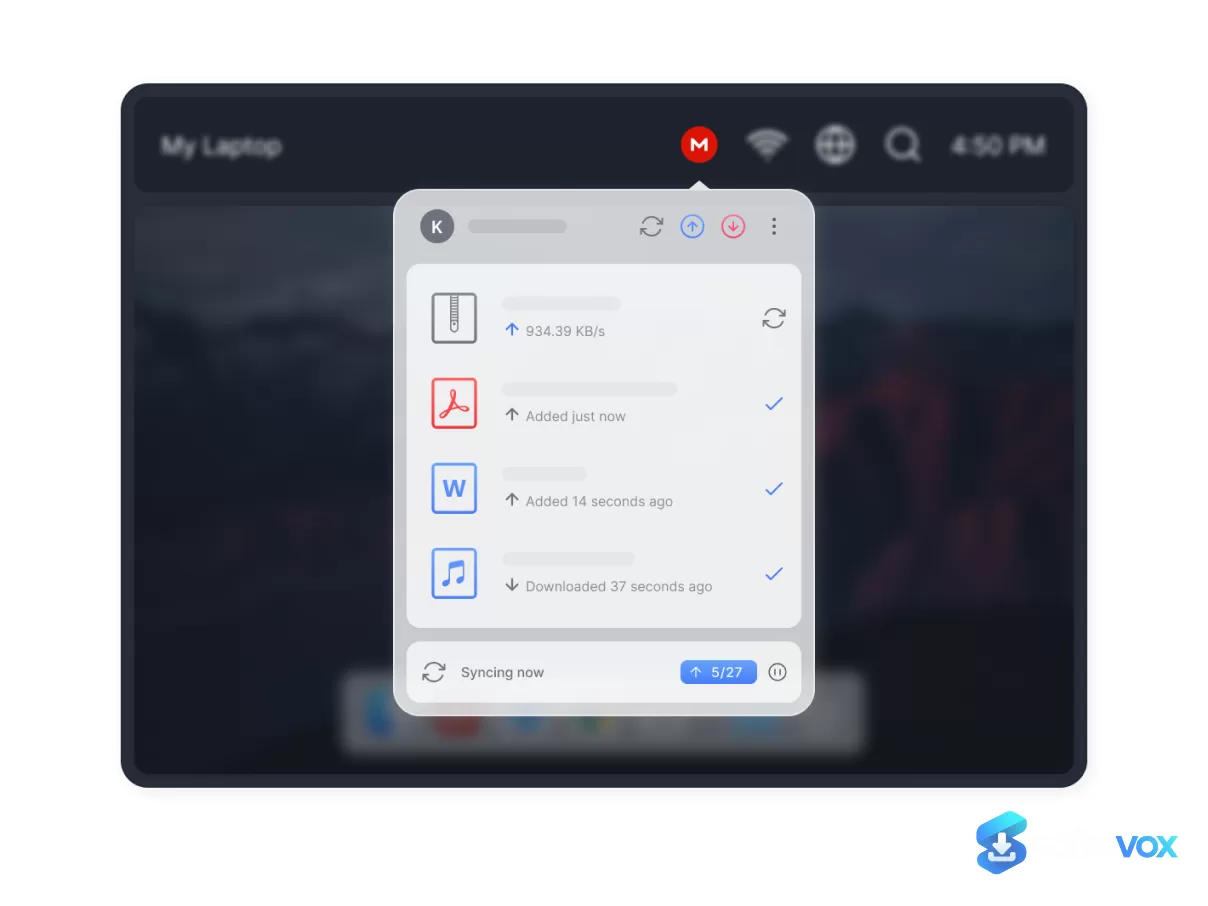
MEGA is more than a storage locker. The free tier includes encrypted file storage, automatic camera backup on mobile, up to 100 file versions per file, and secure sharing links where the decryption key can be sent separately from the URL itself, so someone who intercepts the link alone cannot open the file. The desktop client runs in two modes, Sync and Backup, and covers Windows, macOS, and Linux. On mobile, MEGA bundles encrypted chat and audio/video calls into the same app, which is unusual for a cloud storage provider. Paid plans go further: every Pro subscription includes MEGA VPN and the MEGA Pass password manager at no extra cost, turning the service into a compact privacy suite rather than just a drive. The free plan has limits worth understanding before you commit. Password-protected links and expiry dates are reserved for paying users on the sharing side, and free accounts empty the rubbish bin after 7 to 30 days. Upload speed is the clearest weak point: because MEGA encrypts each file on your device before sending it, the desktop client trails unencrypted competitors on the way up, while downloads remain close to parity.
- Zero-knowledge encryption on every plan: Files are encrypted and decrypted on your device using keys derived from your password. MEGA’s servers never hold the keys, and the clients are open source and independently auditable on GitHub.
- 20 GB free with no credit card: New accounts start with 20 GB, and paid plans scale up to 20 TB if you need more room later.
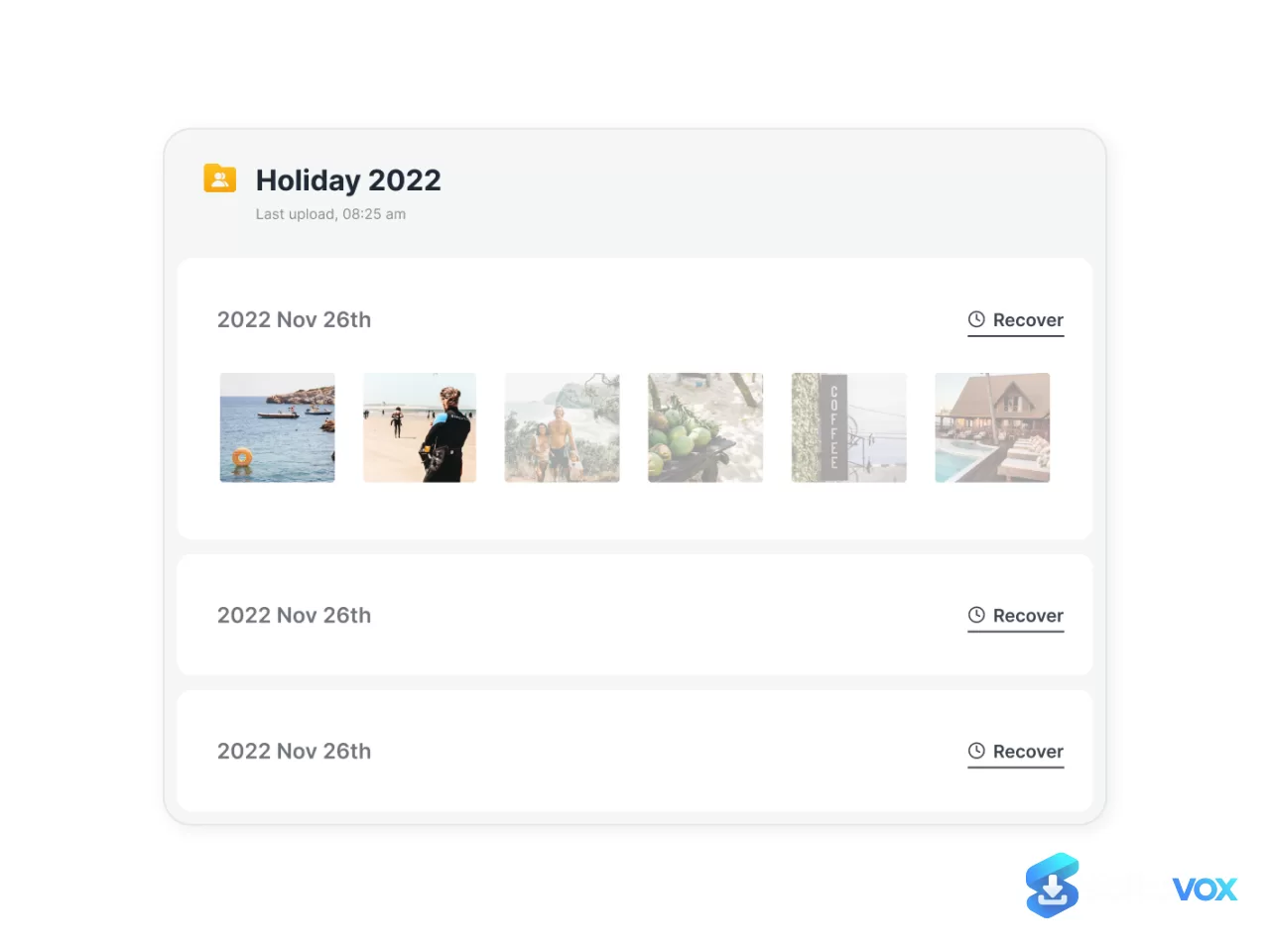
- File versioning and recovery: Up to 100 versions per file are kept on every plan, counted against your storage quota. Free accounts retain deleted files for 7 to 30 days; Pro plans can extend recovery up to 10 years.
- Encrypted chat and calls: The mobile app includes end-to-end encrypted one-on-one and group chats, plus encrypted audio and video calls, with chat history synced across devices.
- Bundled privacy tools on paid plans: MEGA VPN and MEGA Pass password manager are included with every Pro subscription, improving the value calculation for users who would otherwise buy those tools separately.
- Broad platform coverage: Native apps exist for Windows, macOS, Linux, Android, and iOS, plus a full web interface. The desktop app supports folder sync and scheduled backup, though it lacks a virtual drive or block-level sync.
- Secure sharing controls: Free links can still separate the decryption key from the URL, and Pro plans add link view statistics for tracking shared files.
Pros, Cons & Community/User Feedback
User sentiment around MEGA is mixed, and the split is instructive. On Software Advice, MEGA holds a 4.7 average from 170 reviews, with 76% of users recommending it, and reviewers consistently praise the tight security and the recovery text provided in case a password is lost. A recurring complaint is customer support: users report that support agents “hardly can give any solution which is not documented on the website page,” and Capterra reviewers describe the service as fast and reliable for file sharing but frustrating when a free account hits transfer limits. The UI and UX also draw criticism, particularly around uploading documents and stopping uploads mid-transfer. Independent testing adds a balanced technical note. In Gizmodo’s 2026 head-to-head against pCloud, MEGA won the security round, encrypting the whole account at no extra cost, and won the file recovery round by keeping versions and deleted files longer than pCloud on free accounts. It lost the syncing round because its desktop app copies every synced file to local disk instead of mounting a virtual drive, and it lost the speed round on uploads. The practical takeaway is that MEGA’s core privacy promise is credible, while its customer experience and sync efficiency are the areas where expectations should be managed. Users who value the encryption model tend to stay; users who need responsive support or fast block-level sync often leave frustrated.
Pros
- 20 GB of free zero-knowledge encrypted storage, the largest encrypted free allowance among major providers
- End-to-end encryption enabled by default on every plan, including free accounts
- Open-source desktop and mobile clients that independent researchers can audit
- Up to 100 file versions per file on every plan, with deleted-file retention up to 10 years on Pro
- Paid plans bundle MEGA VPN and MEGA Pass password manager at no extra charge
- Native apps for Windows, macOS, Linux, Android, iOS, and web
- Secure sharing links that can send the decryption key separately from the URL
Cons
- Upload speeds trail competitors because encryption happens on-device before transfer
- No virtual drive or block-level sync; synced folders consume full local disk space and edited files re-upload in full
- Free accounts lose deleted files after 7 to 30 days, and password-protected links are a paid feature
- Customer support is repeatedly criticized in reviews as slow and unable to resolve issues beyond documented answers
- Free-tier transfer quotas can frustrate users who share or download large files regularly
- No lifetime license option; all paid plans are subscription-based
- UI and UX receive complaints around upload management and stopping transfers
Final Verdict & Safe Download Advice
MEGA earns a clear recommendation for one specific job: giving you a large, genuinely private free cloud locker without asking for a credit card. The 20 GB free tier is unmatched among encrypted providers, the zero-knowledge model is the real thing rather than marketing language, and the inclusion of VPN and password management on paid plans makes the subscription more defensible than a pure storage bill. Go in with realistic expectations about upload speed, local disk usage during sync, and the fact that free-tier recovery windows are short. If your priority is long-term file ownership or lightning-fast block-level sync, a lifetime-plan provider like pCloud is the better fit. If your priority is keeping files away from the provider’s eyes at zero cost, MEGA remains the benchmark. The service is a specialist tool, and for privacy-first storage it is a very good one, provided you manage your recovery key carefully and understand that support responses can be slow.
- Download only from mega.io or official app stores: Third-party “MEGA downloader” sites often wrap installers with adware. The legitimate desktop client comes from MEGA’s own domain, and the mobile apps come from Google Play or the Apple App Store.
- Verify the installer size and version: The Windows desktop installer is roughly 65–70 MB, and the current MEGAsync version is 6.7.0.3. A dramatically smaller file or an outdated version number is a warning sign.
- Save your recovery key offline: MEGA cannot reset your password or recover your files if you lose both the password and the recovery key. Store the key in a password manager or a printed copy in a secure location.
- Check sync folder disk usage before enabling Sync: MEGA’s Sync mode keeps a full local copy of synced folders. If your drive is small, use Backup mode or selective sync instead of syncing an entire cloud drive.
- Monitor transfer quotas on free accounts: Free-tier transfer limits are a common source of frustration. Keep an eye on your usage if you share large files regularly, and upgrade only if the limits consistently block your workflow.
- Decline bundled offers during installation: The official installer may offer optional MEGA VPN or other products. Deselect anything you did not intend to install if you only want the storage client.
Similar software

Key features
- 20 GB free encrypted storage, no credit card required
- Zero-knowledge, end-to-end encryption by default, files encrypted on-device; MEGA does not hold the keys
- Open-source desktop and mobile clients, independently auditable
- Broad platform support, Windows, macOS, Linux, Android, iOS, and web
- Sync and Backup modes, but no virtual drive or block-level sync; synced folders keep a full local copy
- File versioning and recovery, up to 100 versions per file; deleted files kept 7–30 days on Free, up to 10 years on Pro
- Secure sharing links, decryption key can be sent separately from the URL
- Mobile privacy extras, encrypted chat and encrypted audio/video calls in the mobile app
- Paid Pro plans up to 20 TB, bundle MEGA VPN and MEGA Pass password manager at no extra cost
Frequently asked questions about MEGASync
Is MEGA really free?
How does MEGA’s encryption work?
Is 20 GB enough for most users?
Why are MEGA uploads slower than other cloud services?
Does MEGA sync files like Dropbox or Google Drive?
Can I recover deleted files?
What happens if I lose my password?
Are password-protected links free?
Does MEGA include a VPN or password manager?
What are the main complaints about MEGA?
Where should I download MEGA?
What file size and version should I expect?
Is MEGA good for teams?
Should I choose MEGA or pCloud?
Versions
| Version | Release date | Platform | File size | |
|---|---|---|---|---|
| MEGASync 6.7.0.3 Latest version | Oct 26, 2026 | Windows 32-bitCatalinaBig SurDebian 13 | 70.6 MB | Download |
Comments about MEGASync
No comments yet. Share your experience with this program!